
← Back to Help CenterGeneral
AI Tagger - Getting started
There are 3 steps to getting started:
- Enable the tags that you want the AI to use, and consider providing instructions so that the AI applies these tags accurately. More info here.
- Make sure you have credits in your account.
- Activate the AI tagger in the "Settings" section - see below.
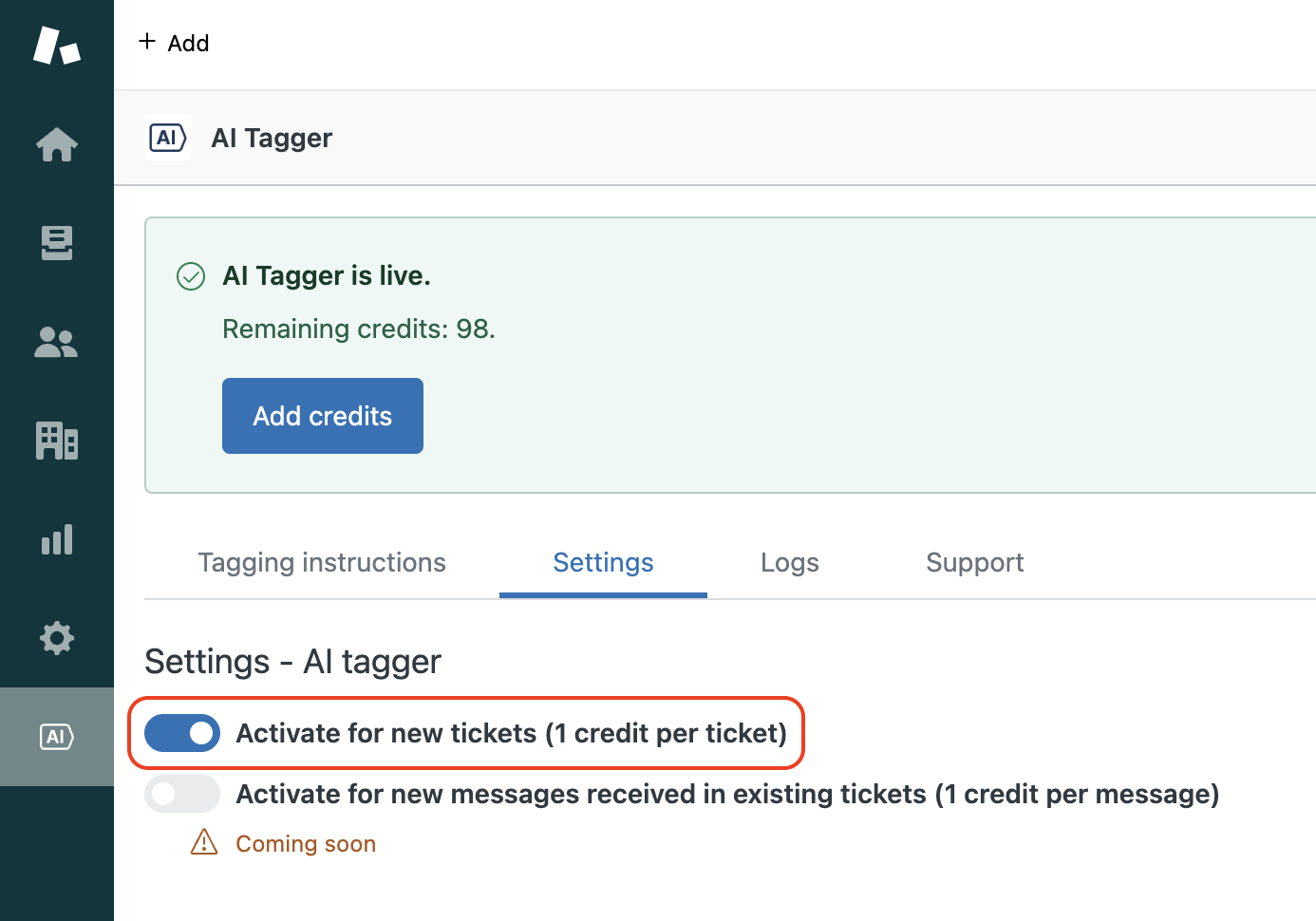
After you go through the steps, AI Tagger will begin working in the background. As new tickets come in, it will automatically apply relevant tags based on your instructions.